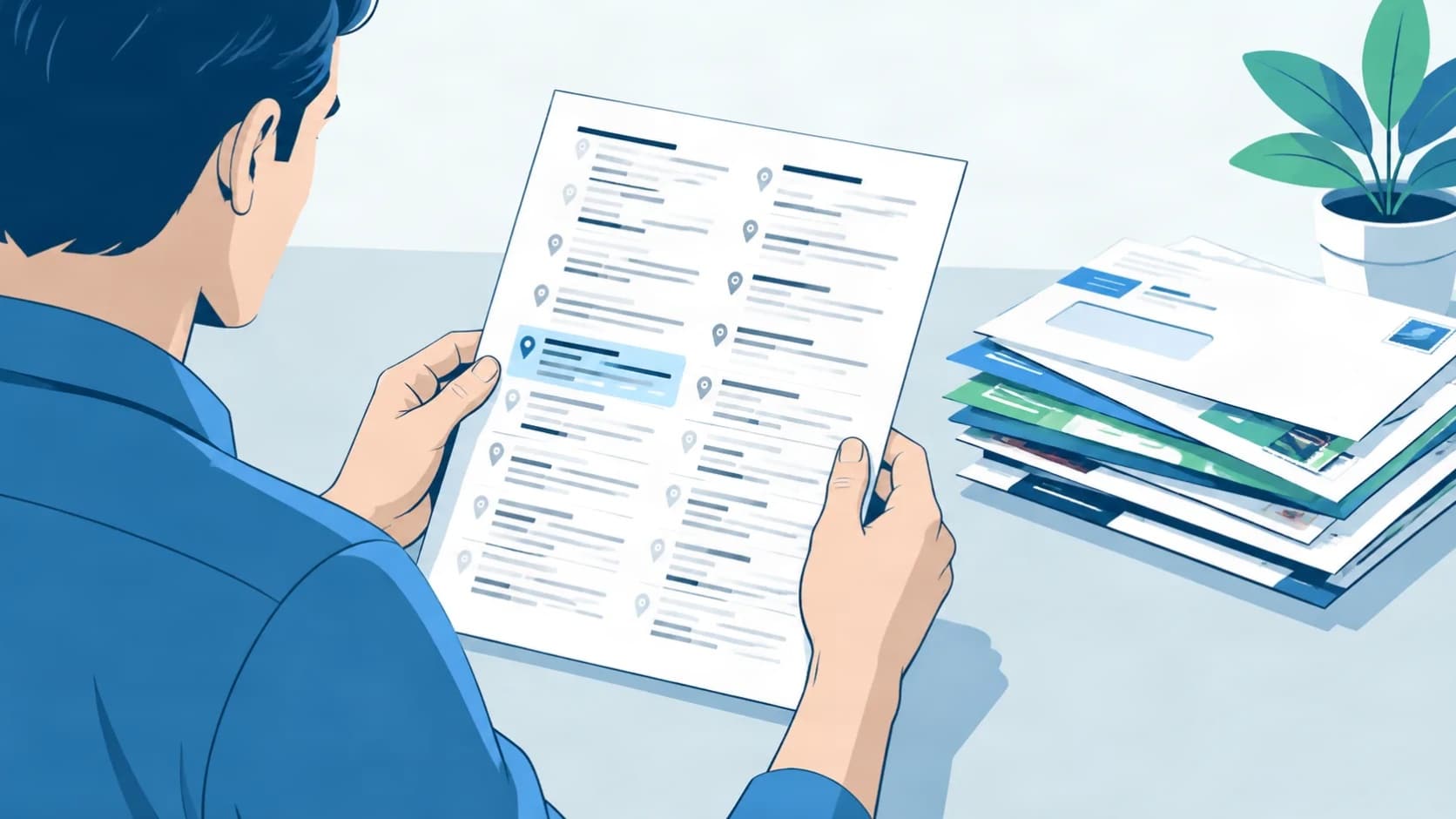
Move into a property and you may find a former occupant’s business still listed at your address across Google, Yelp and dozens of directories. There are two versions of this. You took over the building and someone else’s business is still on it, or you bought the business itself and the previous owner’s record is still the one showing. The fixes are different, and this guide covers both: finding every live listing, correcting what you can reach directly, reporting what you cannot, and handling the directories that never reply.
On this page
Key Takeaways
| The question | The answer |
|---|---|
| Which situation am I in? | If you took over the property and the previous occupant’s business is unrelated to yours, you are removing a record. If you bought the business, you are transferring one. The routes are different and picking the wrong one wastes weeks. |
| Where do I start? | A list before any fixes. Search your street address on the major platforms, then the old business name plus the town, and record the platform, the URL, the name shown, the phone shown, and whether the listing is owner-verified. |
| Why does the verified badge matter? | It decides the route. Unverified listings can usually be claimed. Verified ones need a report, a dispute, or a conversation with whoever controls them. |
| Should I just add my own listing over the top? | No. Your entry sits alongside the old one until the old one is corrected, and the address ends up with two conflicting records. Clean first, submit second. |
| What do I need to prove occupancy? | A lease or a utility bill in most cases. Keep a scan to hand, because you will attach it repeatedly. |
| What if a directory never replies? | Some never do. Escalate in writing through every channel, keep copies, and accept that one or two entries may stay live longer than the rest. |
What You Are Actually Dealing With
When a business closes or relocates, its directory entries do not update on their own. They sit at the old address until someone actively corrects them. That means the printer, cafe, or accountant who left your unit two years ago is very likely still on the map, still on Yelp, and still on a long tail of smaller sites that most people never look at.
Why the listings survive after a tenant leaves
Directories treat a listing as live until someone with proof asks otherwise. Data aggregators then push that stale record downstream to dozens of sites that never had contact with the business at all. A single company can end up on more directories, mapping platforms and aggregator feeds than anyone at the business ever signed up for.
The scope of the problem: more than just Google
The visible offenders are Google Business Profile, Apple Maps, Bing Places, Yelp, and Facebook. Behind those, aggregators such as Foursquare hand address data to smaller directories you have never heard of. You may also see the practical side of the problem before the digital one: mail for the former tenant, phone calls asking about services you do not offer, and the occasional delivery for a business that has not been in the building for years.
The former tenant may not realize their listings are still live. They may also know and not care. Those two situations need different approaches, and it helps to work out which you are in before spending an afternoon on emails.
Takeaway: The old listings persist because nobody has told the directories to change them. That is the job in front of you.
Step 1: Find Every Listing Tied to Your Address

Before you correct anything, you need a full picture. Guessing which sites are involved usually means missing half of them.
Running a manual address search
Search your full street address in Google, Bing, and Apple Maps. Then search the former tenant’s business name plus the city or town in each of the major directories: Yelp, Facebook, Foursquare, Nextdoor, Better Business Bureau, and Bing Places. You are looking for anything that pairs the old business name with your address.
Checking data aggregators
Aggregators push address data to hundreds of smaller sites. Correcting the aggregator source reduces the number of individual fixes you will need to make later. If Foursquare still shows the old business at your address, dozens of downstream directories will keep echoing that record even after you have cleaned up the visible ones.
Building your correction list
For each listing you find, record five things in a spreadsheet:
- The platform name
- The listing URL
- The business name shown
- The phone number shown
- Whether there is an owner-verified badge
The verification badge matters because it decides your correction route. An unverified listing is one you may be able to claim yourself. A verified listing needs a report, a dispute, or a conversation with the person who controls it. A structured citation cleanup audit follows the same pattern: find, log, sort by fix method, then work the list.
Takeaway: One row per listing, sorted by whether it is verified. That spreadsheet is the whole plan.
Step 2: Correct the Listings You Can Access Directly

With the list built, work top to bottom by fix method rather than by platform. Unverified listings first, verified listings second, no-owner-interface directories last.
Claiming an unverified listing
Most platforms let you claim an unverified listing by verifying you occupy the address. Verification is usually a postcard to the address, a phone call to a number you control, or an email to an address on the domain. Once claimed, you can update the name, address, phone, and category to your own business, or request removal if the entry is for the former tenant’s business itself.
Reporting a listing you cannot claim
For a verified listing the former tenant still controls, use the platform’s “suggest an edit” or “report a problem” tool to flag the address as incorrect. Facebook and Yelp both have page ownership dispute processes that ask you to document your connection to the address, usually with a lease or a utility bill.
Google Business Profile: the special case
Google’s guidance states that “businesses with complete and accurate info are more likely to show up in local search results”, and that if the info is not accurate the profile “might not show up for relevant searches in [your] area”. You can read the full guidance on Google’s help page for accurate business info. That applies to your own new listing just as much as the old one you are trying to remove. For the old profile, use the “suggest an edit” option on the Business Profile itself, or the redressal form for cases where an edit is rejected. Detailed Google Business Profile work often starts with exactly this kind of cleanup before a new profile is stood up.
Takeaway: Claim what you can, report what you cannot, and keep the lease scan handy.
A Worked Example: Bramley Accountancy
This is a composite example, not a real client, and the figures in it are invented for the illustration. Only the method is real.
Finding the problem
After taking over a unit, the owner searched the street address and found a former printing company still listed on Google Business Profile, Apple Maps, Bing Places and Yelp. A wider directory sweep turned up at least 14 smaller sites carrying the same old record. The spreadsheet took an afternoon to build.
Working through the correction queue
The Google listing was unverified. A postcard request to the address arrived in about a week, the owner verified it, and then requested removal of the old business entry through the Business Profile dashboard. Yelp’s business owner claim took three days and a scanned copy of the lease. Apple Maps accepted a correction through Maps Connect within two weeks. Bing Places went through in a similar window.
The smaller directories were slower. Some had a working “report incorrect information” form. Two required an email to a general support address. One had no contact at all beyond a webform that bounced.
What was left unresolved
Six weeks in, one aggregator-fed directory still showed the printing company’s name at the address. The ticket had been acknowledged and then gone quiet. At the time of writing, that entry was still live.
Takeaway: Most listings will be corrected in the first pass. One or two will sit and stare at you.
The Other Version: You Bought the Business
Everything above assumes the previous occupant has gone and their business has nothing to do with yours. If you bought the business itself, the job changes.
Why this is a transfer, not a removal
The listing is not wrong. The trading name, the address and often the phone number are still correct. What is wrong is who controls the account, and in most cases the account sits with an email address belonging to someone who no longer owns the company.
Requesting removal here is the wrong move. A listing with history on it, however that history was built, is worth more than a fresh one created beside it. The goal is to take over the record rather than replace it.
How the transfer usually works
Most platforms have a request-ownership process. You claim the listing, the platform notifies the current account holder, and they have a set window to respond. If they approve or ignore it, control passes to you. If they decline, you are into the dispute route with proof of purchase rather than proof of occupancy.
Ask the seller for the logins before completion if you possibly can. It takes minutes at that stage and weeks afterward. This is the single most common thing a buyer forgets to ask for, and the one that costs the most time later.
What to change once you have it
Update the owner email, the phone number if it changed, and the business description. Leave the listing itself in place. Then check whether the previous owner created any personal profiles tied to the business that are still live under their own account.
Takeaway: If you bought the business, claim the listing rather than reporting it. Ask for the logins before the sale closes.
Step 3: Handle Directories That Do Not Respond

Some directories will ignore a first report. A few will ignore a second one. The response is to widen the paper trail, not to give up.
Escalating a report that goes nowhere
If a platform ignores a correction request, resubmit through every channel available: the dispute form, a support email, and any public social media contact the company runs. Attach the same lease scan each time. On smaller directories with no owner interface, a direct email to the listed contact address, explaining that you now occupy the property and asking for the old entry to be removed, is often the only route.
When the former tenant is uncooperative
If the former tenant has verified a listing and refuses to remove or update the address, put every contact attempt in writing. Send a written notice to any address you have for them requesting they update their listings. Keep copies. That record matters if the situation escalates. Anything that keeps sending mail or misdirected customers your way is also worth documenting for broader local SEO work later, once the address is genuinely clean.
Legal options as a last resort
Attorney letters are rarely necessary for directory listings. If the former tenant’s use of your address is causing measurable harm, such as intercepted mail or misdirected trade, legal advice is worth seeking. That is a small share of cases. Most resolve at the report or the written-notice stage.
Takeaway: Escalate in writing, keep every copy, and reserve legal steps for concrete harm.
Getting Your Own Listings Right From Here
Once the old entries are corrected or removed, the address is available for your own record to fill the gap cleanly.
Establishing your business at the address cleanly
Submit your business details to the major platforms with the same name, address and phone number format on each one. Consistent details across directories is a basic condition of accurate listings. Up to 350 citations can be submitted manually, and the set that matters differs by trade: the directories an accountancy practice belongs on are not the ones a restaurant needs.
Checking the work periodically
Listing data can drift as aggregators re-populate old records or auto-generate new ones from stale sources. Checking your listings every few months, and ordering corrections when something has moved, keeps the record accurate. A fresh submission run across the directories that matter is priced one-time from $5, with no subscription involved.
Takeaway: Consistent details on the platforms that matter, checked when needed, not left on autopilot.
Frequently Asked Questions
Can I remove a former tenant’s Google Business Profile listing myself?
You can request removal or a correction through the “suggest an edit” option on the profile, or through the redressal form if an edit is rejected. You cannot delete another owner’s verified profile outright.
What do I do if the previous business owner still controls the listing at my address?
Use each platform’s dispute process with proof of occupancy, usually a lease or utility bill. Where the platform allows, request the address be removed from their profile rather than reassigning ownership to you.
How long does it take for a directory to remove an old business listing?
It varies by platform and by how the report is filed. Major directories often act within a few weeks. Smaller directories and aggregator-fed sites can be slower, and some never respond at all.
Will submitting my own listings at the address override the old ones?
No. Your new entries sit alongside the old ones until the old ones are corrected or removed. Do the cleanup work first, then submit your own details, otherwise the address ends up with two conflicting records.
What if the former tenant refuses to change their business address?
Document every request in writing and keep copies. Continue reporting the listings through each platform’s dispute process with proof of occupancy. If the situation is causing measurable harm to your business, seek legal advice.
Do I need to contact every directory individually, or is there a faster way?
Aggregators feed many smaller directories, so correcting the aggregator source reduces the number of downstream fixes. Even so, the visible platforms each need their own report or claim. There is no single button that clears them all.
Can the former tenant’s listing at my address cause me to receive their mail or deliveries?
Yes. If their address is live on directories, on invoices, and in customer records, mail and occasional deliveries will keep arriving. Getting the listings corrected reduces that over time, though not immediately.
Sources
Google Business Profile Help, “Improve your local ranking on Google”, at support.google.com/business/answer/7091. Used for the single quoted statement about complete and accurate information, and for nothing else. Checked 10 September 2026.
No other external source is cited. The platform names in this article are a list of where a business commonly appears, drawn from our own submission work rather than from a published ranking.
The figures inside the worked example are invented for the illustration and are labeled as such where they appear. The citation count comes from our own packages.
How This Guide Was Made
Local Citation Services sells citation building and cleanup, so there is a commercial interest behind this guide. That is worth stating plainly.
Almost all of the work described here can be done without paying anyone. The claim processes, the dispute routes and the escalation steps are free and public, and the article says so rather than implying the job needs buying.
The guide describes what the work involves and what a business can check for itself. It does not say what any of it produces in search results, because that is not something we can verify, and the one statement on that subject is quoted from Google’s own documentation and linked.
The worked example is a composite. Bramley Accountancy is not a real client and the figures in it are invented for the illustration. Only the method is real.

Founder, Local Citation Services and Local SEO Expert
Sharif has built local citations by hand since 2009, across 24,000+ orders and 50+ countries. He leads the team that submits every listing manually, checks what already exists before adding anything, and reports back with a live URL and a login for each one. He writes about what the work actually involves, what goes wrong, and what a business owner can check for themselves without buying a tool.