
Multi-location local SEO is one of the more demanding operational tasks a growing business faces. Each storefront needs its own listings, its own location page, and its own reviews. This guide separates the two jobs: the one-time setup work and the rechecking that follows whenever something changes. They get sold together often enough that it is worth knowing which one you are buying.
On this page
What You Will Need Before You Start

Before you touch a single listing, get your inputs in order. Sloppy prep is the single biggest reason multi-location campaigns stall out or trigger Google Business Profile suspensions later. This first block is about paperwork and access, not tactics.
Information to gather for each location
Each address needs its own verified NAP data, primary and secondary Google Business Profile categories, business hours, service list, and photos. Keep the category set identical in structure across every location, so the same business is described the same way each time. Our local citation building runs per location on the same basis.
Write everything down in one place before submitting anything. A minimum per-location record should include:
- Legal business name exactly as it will appear everywhere
- Street address, suite, city, state, ZIP
- Local phone number (not a central call center number)
- Website URL pointing to the specific location page, not the homepage
- Primary category, plus any secondary categories that genuinely apply
- Hours, including holiday exceptions
- Services offered at that storefront, which often differ between branches. A dental group where one practice does implants and another does not needs two different service lists, not one copied twice
Tools and accounts to have ready
You need a Google account with Business Profile Manager access so multiple profiles can be managed from one dashboard, a spreadsheet or location data management sheet, and a decided canonical URL structure /locations/city-name/ before any pages get created. Changing URL structure later means mapping redirects one-to-one and re-verifying anything that pointed at the old paths.
Before You Start: What to Back Up and What Can Break

Existing profiles are fragile. Editing a live Google Business Profile without a plan can trigger reverification or an outright suspension, and once a listing is suspended, the fastest path back is a documented reinstatement, not another edit. Audit first. Inventory each profile before any change goes in: current categories, hours, phone, website field, and photos per location. Our Google Business Profile boost starts the same way.
Crawl the current site and export every URL that currently serves location content, including store-finder pages. If the URL structure changes, you need 301 redirects mapped one-to-one. Skipping this step means the new work is built on top of records nobody has checked.
Inconsistent NAP data already published across directories will not self-correct. A citation cleanup pass should run before new listings are built; otherwise, the new build amplifies existing errors through data aggregator feeds.
Step-by-Step: Building the Foundation for Each Location
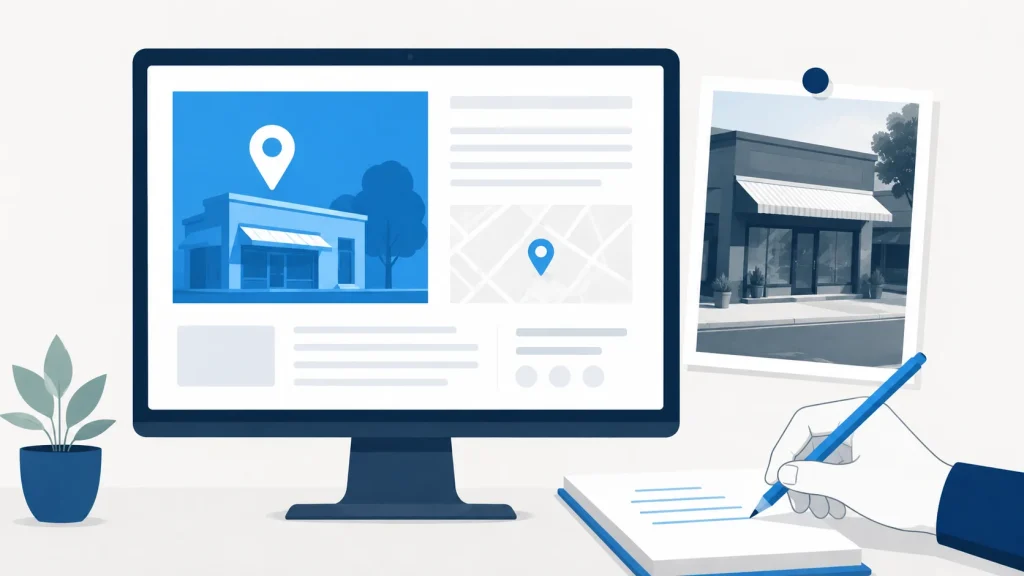
This is the finite, one-time build. It is priced once, and then it is done. Keeping those listings correct as the business changes is a separate job, handled in the next section. Do not blend the two.
Step 1: Create a dedicated location page for each address
Build one indexable URL per location with unique on-page content. A single centralized locations page with a store-finder widget gives each branch no page of its own, so there is nothing specific to that address for anyone to land on. Each page becomes the destination link for its matching Google Business Profile, so the pages must exist before profiles get finalized. This is ordinary on-page work, done once per location.
Step 2: Optimize each location page for local search
Include the local address, phone number, business hours, location-specific services, and locally relevant content. Do not duplicate boilerplate with only the city name swapped, that pattern gets flagged as thin content fast. Use a title tag pattern like Service | City | Brand Name so both Google and users can tell the pages apart. Add a LocalBusiness schema per page. A searcher who looks up a local business on a phone is often close by and deciding quickly, which is why the address and hours on the page need to be right. Broader local SEO fundamentals apply equally per storefront.
Step 3: Create and verify a Google Business Profile per location
Create the profile using the address the location actually operates from and go through verification (postcard, video, or phone depending on what Google offers). Point the website field at the dedicated location page, never the homepage. Repeat per location. If verification stalls, it is usually a documentation issue rather than a technical one.
Step 4: Build citations across core directories
Core directories include Google Business Profile, Apple Maps, Bing Places, Yelp, and the major data aggregators. Each location must be submitted individually with matching NAP data. This is where manual local citation submission earns its keep, because automated ones frequently mangle suite numbers, phone formatting, or category mapping.
Building the full citation set across all locations is a finite project priced once. It is not the same thing as re-checking accuracy after a location moves, renames, or changes its hours.
Step-by-Step: Re-checking Locations as They Change
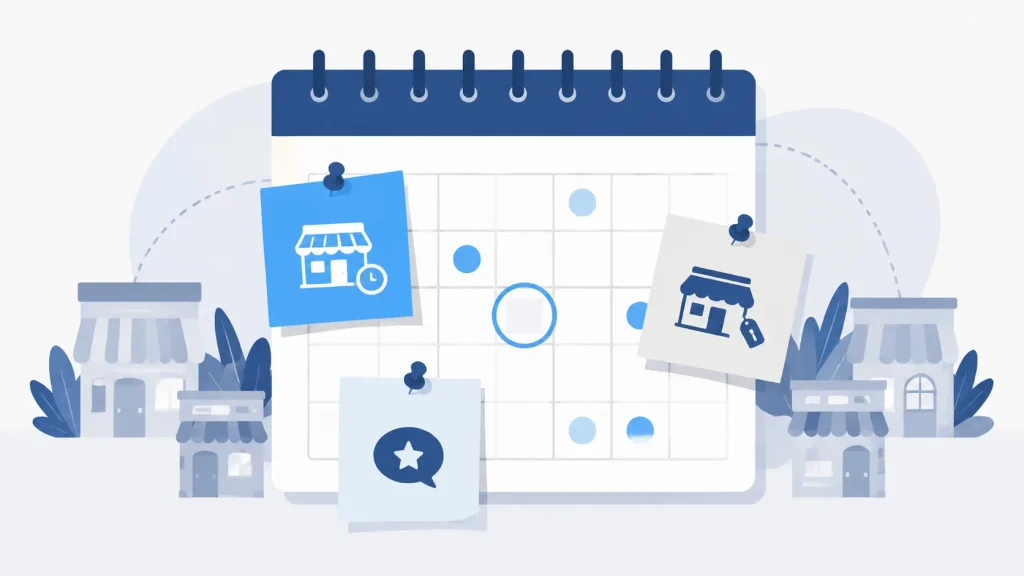
Now for the part that comes back. Hours change, phone numbers change, locations open and close, categories evolve. Each of those needs the listing and the page brought back into line.
Step 5: Correct listings and pages when a location changes
Every time a location updates hours, moves, adds a phone line, or launches a new service, the change has to propagate across GBP, aggregators, and secondary directories. Left alone, mismatched data drifts back in from stale aggregator feeds. A correction pass ordered when something changes is what puts it back.
The same pass covers the page and the profile together. Keep categories aligned across all profiles: categories drifting apart per storefront means two locations of the same business are described differently, which is worth catching whether or not anything else follows from it. Reflect any change on the site as well as on the profile.
Step 6: Collect reviews at the location level
Each storefront has its own profile and its own reviews. Someone comparing two nearby branches sees each one separately, so reviews collected at the brand level do nothing for the location they are actually looking at. Set up a per-location review acquisition process; do not funnel everything into one brand page. Agencies handling this at scale standardize the process across clients, with a review link per location rather than one for the brand.
Troubleshooting Common Multi-Location SEO Problems
These are the recurring failure modes worth memorizing. Each has a clear cause and a specific fix, and most trace back to one of the setup steps above.
- Symptom: A location page ranks, but the wrong location appears in the map pack. Cause: The GBP listing links to the homepage instead of the dedicated location page. Fix: Update the website URL field in GBP to point to the specific location page.
- Symptom: A Google Business Profile is suspended after adding a new location. Cause: The new listing shares an address with an existing listing or a flagged address. Fix: Verify the address is unique and file a documented reinstatement request.
- Symptom: NAP data shows differently across directories after a location moves. Cause: Only GBP was updated; aggregator feeds were not corrected. Fix: Submit corrections to the major data aggregators and audit secondary directories manually.
- Symptom: Location pages get indexed but receive no organic traffic. Cause: Pages are duplicated boilerplate with only the city swapped. Fix: Rewrite each page with locally specific content, services, and context.
- Symptom: One location ranks well while others in the same brand underperform. Cause: Review velocity and local backlinks vary by location. Fix: Run per-location review acquisition and local link building rather than treating the brand as one unit.
Frequently Asked Questions
Do I need a separate Google Business Profile for each location?
Yes. Each physical location needs its own verified Google Business Profile with unique NAP data, categories, hours, and a website URL pointing to that location’s dedicated page, not a shared homepage or a central store-finder page.
What is the difference between building citations and re-checking them?
Building is submitting the entries. Re-checking is going back to see whether they still say what they said after a move, a rename, or a change of hours.
Can I use the same website content on multiple location pages?
No. Duplicated boilerplate with only the city name changed gives a searcher nothing specific to that branch, and it is the pattern most often described as thin content. Each location page should include the local address, unique services, hours, and content specific to that storefront.
How do I handle local SEO when a location closes or moves?
Mark the closed profile as permanently closed in Google Business Profile and either 301 redirect the old location page to a nearby active location or update it to reflect the move. A closed location left alive keeps sending people to a door that is shut.
What URL structure should I use for multiple location pages?
Use a canonical pattern such as /locations/city-name/ or /locations/state/city/. Decide before any pages are built. Changing the structure later means mapping redirects one-to-one and reverifying anything that pointed at the old paths, so lock the pattern in early.
How long does it take to rank in the local pack for a new location?
Nobody can give you a reliable number, because the answer depends on the market, the competition, and everything else running at the same time. What you can do is get the profile verified, the citation set complete, and the NAP consistent, then check what actually changed rather than waiting on a promised window.
What categories should I use on Google Business Profile for multiple locations?
Choose the most specific primary category that matches the storefront, plus one or two secondary categories only if they genuinely apply. Keep categories consistent across all locations. Adding categories that do not apply describes the business as something it is not.
Do I need local backlinks for every individual location?
Local links to a specific location page are harder to come by than site-wide ones, and a location with none has nothing pointing at it directly. Google’s guidance on local ranking states that “businesses with complete and accurate info are more likely to show up in local search results,” and that if the information is not accurate, the profile “might not show up for relevant searches in your area. ” Chamber memberships, local sponsorships, and city press are the usual places people find them.
Wrapping Up
Two jobs, then. The build is finite: location pages, verified profiles, and a citation set per address, done once. The re-check is what you order when a location moves, renames, changes its hours, or closes. Worth knowing which one a quote covers before you accept it.

Founder, Local Citation Services and Local SEO Expert
Sharif has built local citations by hand since 2009, across 24,000+ orders and 50+ countries. He leads the team that submits every listing manually, checks what already exists before adding anything, and reports back with a live URL and a login for each one. He writes about what the work actually involves, what goes wrong, and what a business owner can check for themselves without buying a tool.